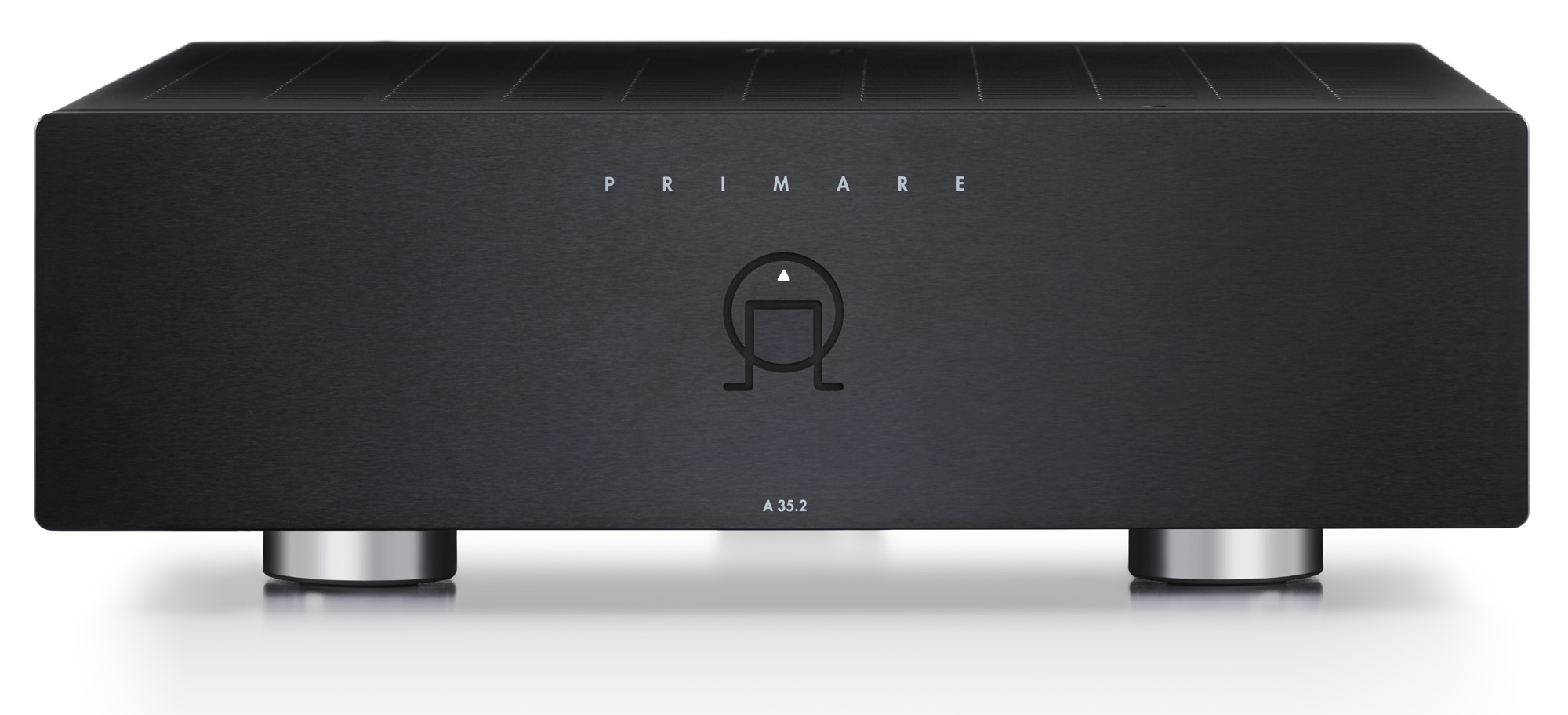
Your A35.2 is supplied with:
- Mains cable
- IR/Trigger cable
- AC Polarity Pen (with batteries)
If any of these items are missing please contact your supplier. We recommend you retain the packaging in case you need to transport the unit at a later date.
TO REDUCE THE RISK OF FIRE, REPLACE WITH THE SAME TYPE AND RATING OF FUSE.
UTILISER UN FUSIBLE DE RECHANGE MÊME TYPE.
This product has been designed to meet the IEC 60065 international electrical safety standard.
RISK OF ELECTRIC SHOCK DO NOT OPEN
RISQUE DE CHOC ELECTRIQUE NE PAS OUVRIR

The lightning flash with an arrowhead symbol within an equilateral triangle, is intended to alert the user to the presence of uninsulated ‘dangerous voltage’ within the product’s enclosure that may be of sufficient magnitude to constitute a risk of electric shock to persons.

The exclamation point within an equilateral triangle is intended to alert the user to the presence of important operating and maintenance (servicing) instructions in the literature accompanying the product.
CAUTION: To reduce the risk of electrical shock do not remove cover (or back). No user serviceable parts inside. Refer servicing to qualified service personnel.
WARNING: To reduce the risk of fire or electrical shock, do not expose this apparatus to rain or moisture.
CAUTION: In Canada and the USA, to prevent electric shock, match the wide blade of the plug to the wide slot in the socket and insert the plug fully into the socket.
This product is designed and manufactured to meet strict quality and safety standards. However, you should be aware of the following installation and operation precautions.
You should read all the safety and operating instructions before operating this appliance. Retain this handbook for future reference and adhere to all warnings in the handbook or on the appliance.
The presence of electricity near water can be dangerous. Do not use the appliance near water – for example next to a bathtub, washbowl, kitchen sink, in a wet basement or near a swimming pool, etc.
Take care that objects do not fall and liquids are not spilled into the enclosure through any openings. Liquid-filled objects such as vases should not be placed on the equipment.
Do not place the equipment on a bed, sofa, rug or similar soft surface, or in an enclosed bookcase or cabinet, since ventilation may be impeded. We recommend a minimum distance of 50mm around the sides and top of the appliance to provide adequate ventilation.
Locate the appliance away from naked flames or heat producing equipment such as radiators, stoves or other appliances (including other amplifiers) that produce heat.
The appliance has been designed for use in moderate climates.
Only use a rack or stand that is recommended for use with audio equipment. If the equipment is on a portable rack it should be moved with great care, to avoid overturning the combination.
Unplug the unit from the mains supply before cleaning.
The case should normally only require a wipe with a soft, damp, lint-free cloth. Do not use paint thinners or other chemical solvents for cleaning.
We do not advise the use of furniture cleaning sprays or polishes as they can cause indelible white marks if the unit is subsequently wiped with a damp cloth.
This appliance must be connected to a mains socket outlet using the supplied power cord. To disconnect this apparatus from power, you must disconnect the power cord. Make sure the power cord is always easily accessible.
Only connect the appliance to a power supply of the type described in the operating instructions or as marked on the appliance.
This is a Class 1 device and must be earthed.
The power switch is a single-pole switch. When the switch is in the “Off” position, the appliance is not completely disconnected from the main power.
Power supply cords should be routed so that they are not likely to be walked on or pinched by items placed upon or against them, paying particular attention to cords and plugs, and the point where they exit from the appliance.
Ensure that the grounding means of the appliance is not defeated.
Unplug this device during lightning storms.
If the unit has a stand-by function, a small amount of current will continue to flow into the equipment in this mode. Unplug the power cord of the appliance from the outlet if left unused for a long period of time.
If an abnormal smell or smoke is detected from the appliance, turn the power off immediately and unplug the unit from the wall outlet. Contact your dealer immediately.
You should not attempt to service the appliance beyond that described in this handbook. All other servicing should be referred to qualified service personnel.
The appliance should be serviced by qualified service personnel when:
A. the power-supply cord or the plug has been damaged, or
B. objects have fallen, or liquid has spilled into the appliance, or
C. the appliance has been exposed to rain, or
D. the appliance does not appear to operate normally or exhibits a marked change in performance, or
E. the appliance has been dropped or the enclosure damaged.

The CE symbol indicates that this Primare product complies with the EMC (Electromagnetic Compatibility) and LVD (Low Voltage Directive) standards of the European Community.
The WEEE symbol indicates this Primare product complies with the European Parliament and Council Directive 2002/96/EC concerning Waste Electrical and Electronic Equipment (WEEE). This product must be appropriately recycled or processed in accordance with these directives. Consult your local waste disposal authority for guidance.
The RoHS symbol indicates that Primare products are designed and manufactured to comply with the Restriction of Hazardous Substances (RoHS) as stated in the European Parliament and Council Directive 2002/95/EC.
Copyright © 2020 Primare AB.
All rights reserved.
Primare AB
Limstensgatan 7
21616 Limhamn
Sweden
Issue: A35.2/2 (5/2/2020)
The information in this guide is believed to be correct as of the date of publication. However, our policy is one of continuous development and so the information is subject to change without notice, and does not represent a commitment on the part of Primare AB.
Primare is a trademark of Primare AB.
This guide was produced by
Human-Computer Interface Ltd.
http://www.interface.co.uk
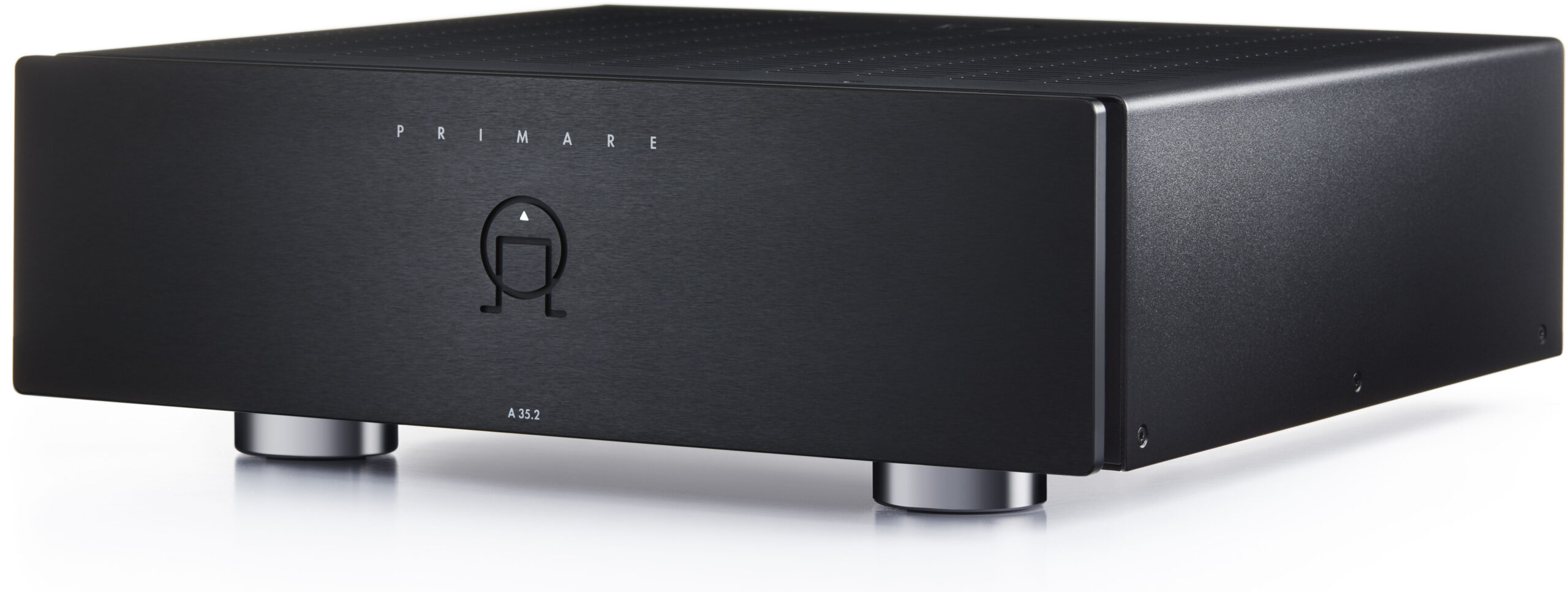
This user guide describes the features and explains how to set up the amplifier for the best sound quality and ease of operation in order to allow for the most enjoyable reproduction of sound from all your sources.
For additional support and assistance please contact your local authorized Primare dealer, or visit our website at www.primare.net.
Your A35.2 is supplied with:
If any of these items are missing please contact your supplier. We recommend you retain the packaging in case you need to transport the unit at a later date.
The A35.2 is designed to be connected directly to a pair of loudspeakers of 8Ω impedance.
The terminals can accept speaker cables terminated with bare wires, spade terminals, or banana plugs.
For the best sound quality connect the red wire from each speaker to the red terminal marked + and the black wire from each speaker to the black terminal marked –.
To connect bare wires unscrew the terminal, pass the bare wire through the hole in the terminal bolt, and clamp the wire in place by screwing the terminal back down hand tight.
NOTE: contrary to the back panel silk screen label, there is no need to connect a “short” wire as the circuit was changed after the back panels were manufactured.
For best results your speakers should be positioned about 2-3m apart, at least 20cm from the rear wall and at least 50cm from any side wall. The tweeter or high frequency unit in the speaker should be at head height when you are seated, listening to the speaker.
If you are using the RCA inputs use high quality stereo RCA leads.
If you are using the XLR inputs use balanced XLR cables.
If this cable is not suitable for your power outlets please contact your supplier for an alternative cable.
Note: See Phase for information about getting the best sound from your A35.2.
WARNING: Always disconnect the A35.2 from the mains power before connecting or disconnecting any cables.
The A35.2 will go into standby mode, indicated by the front panel light dimly illuminated.
The indicator light will blink for a few seconds before staying on.
If no signal is present for 20 minutes the A35.2 will automatically go into standby to save power.
By default, if no signal is present for 20 minutes the A35.2 will automatically go into standby to save power.
The following diagram explains the function of each of the connectors on the back panel:

NOTE: contrary to the back panel silk screen label, there is no need to connect a “short” wire as the circuit was changed after the back panels were manufactured.
Primare UFPD 2
Primare APFC
2 x 200W into 8Ω, 2 x 400W into 4Ω
1 x 800W into 8Ω, 1 x 500W into 4Ω
1 x RCA, 15kΩ impedance
1 x XLR, 30kΩ impedance
RCA: 26dB
XLR: 20dB
20Hz – 20kHz: -0.2dB
THD + N: < 0.008%, 20Hz – 20kHz, 10W at 8Ω
>110dB
Trigger in/out
RS232
Auto Sense: on/off
Input: RCA/XLR
Gain: +6db bridge mode only
Standby: < 0.5 W
Operating: 28 W < 800 W
430 x 400 x 145 mm (w x d x h) with knobs and connectors
430 x 382 x 145 mm (w x d x h) without knobs and connectors
11.7 kg
Black or titanium
Note: features and specifications are preliminary and subject to change.
These instructions help you get the best possible sound from your A35.2.
The phase of the AC supply can make a significant difference to the sound.
Use the Polarity Pen supplied with the A35.2 to verify which pin is live on your AC power cable.
Ensure that the live pin of the AC power cable is connected to the left-hand pin of the power connector, viewed from the back panel:

Your Primare will start to sound best after an initial burn-in of approximately 24 hours.
You will notice a further smaller improvement in sound quality for at least another 3 days’ playing.
The RS232 input allows you to connect the A35.2 to a controller system. Use a twisted (null modem) cable. For more information contact Primare at Primare at info@primare.net or visit www.primare.net.
For convenience the A35.2 can be powered on and off via a remote link cable, avoiding the need to switch it on or off separately from the preamplifier in the system.
To power the A35.2 on and off remotely from a Primare processor or preamplifier connect the TRIG OUT signal from the processor/preamplifier to the TRIG IN socket on the A35.2, using a mono 3.5mm jack plug.
The TRIG OUT socket can be used to daisy-chain the remote output to further A35 series amplifiers.
The A35.2 includes an Auto Sense feature that will put the amplifier into standby if no signal is received for 20 minutes. The amplifier will automatically come out of standby if an input is sensed.
The A35.2 can be used in Bridged Mode, to give up to four times the output power to a single loudspeaker.
The A35.2 will now operate in Bridged Mode.
NOTE: There is no need to connect a “SHORT” wire as indicated by the text on the back of the amplifier.
You can use Google Translate to translate the contents of the Primare website. To do that, select the language you would like to translate into in the list below.
Please bear in mind, since the Google Translate is an automatically generated translation, we do not take any responsibility for errors in the text.